Signature Maker - Draw & Type
An Android tool for creating digital signatures by drawing or typing, ready to save and share.

About This App
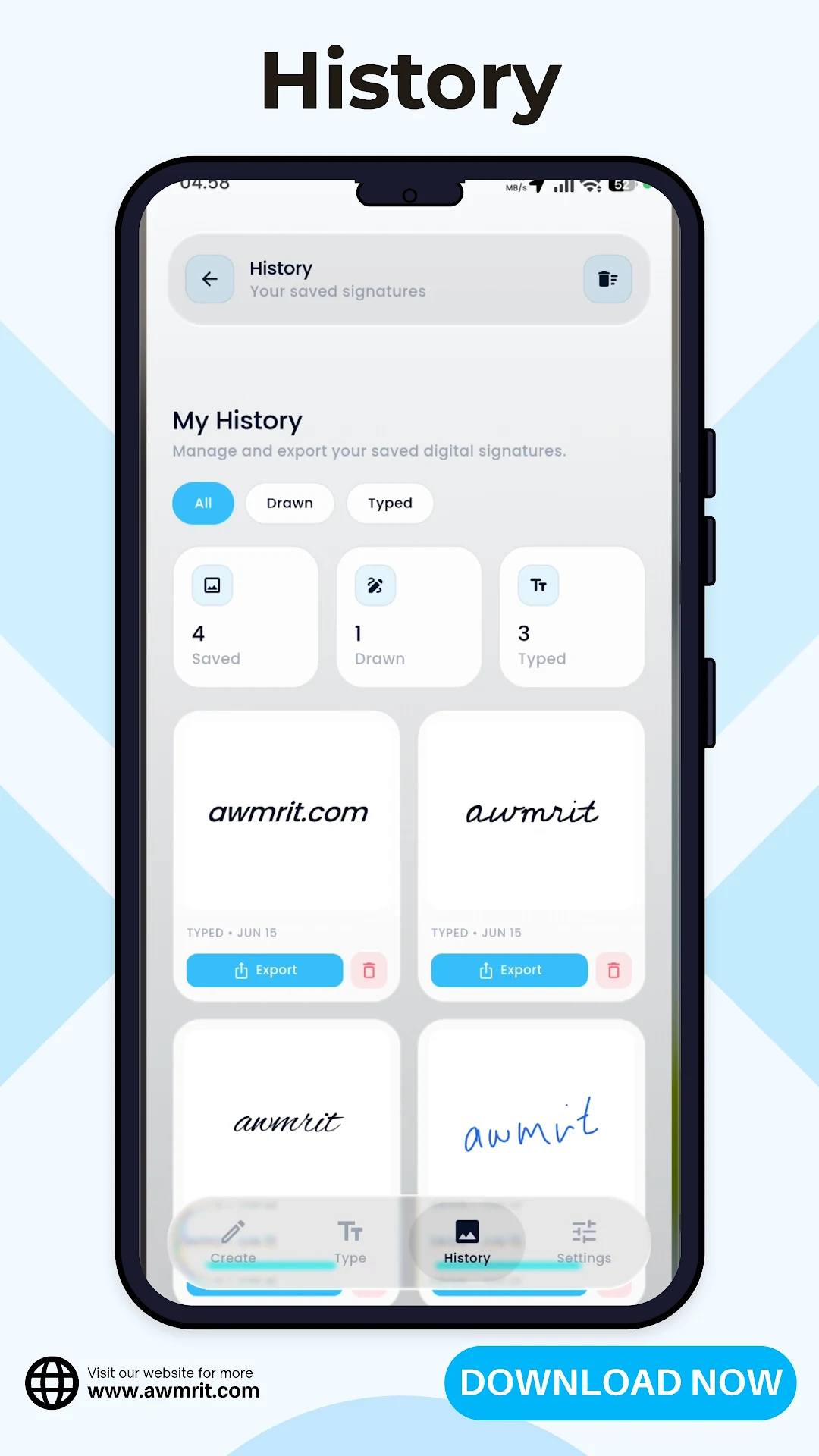
Signature Maker - Draw & Type lets users create digital signatures on Android using either a finger/stylus or typed text, then save or share them easily.
ScreenShots of this App
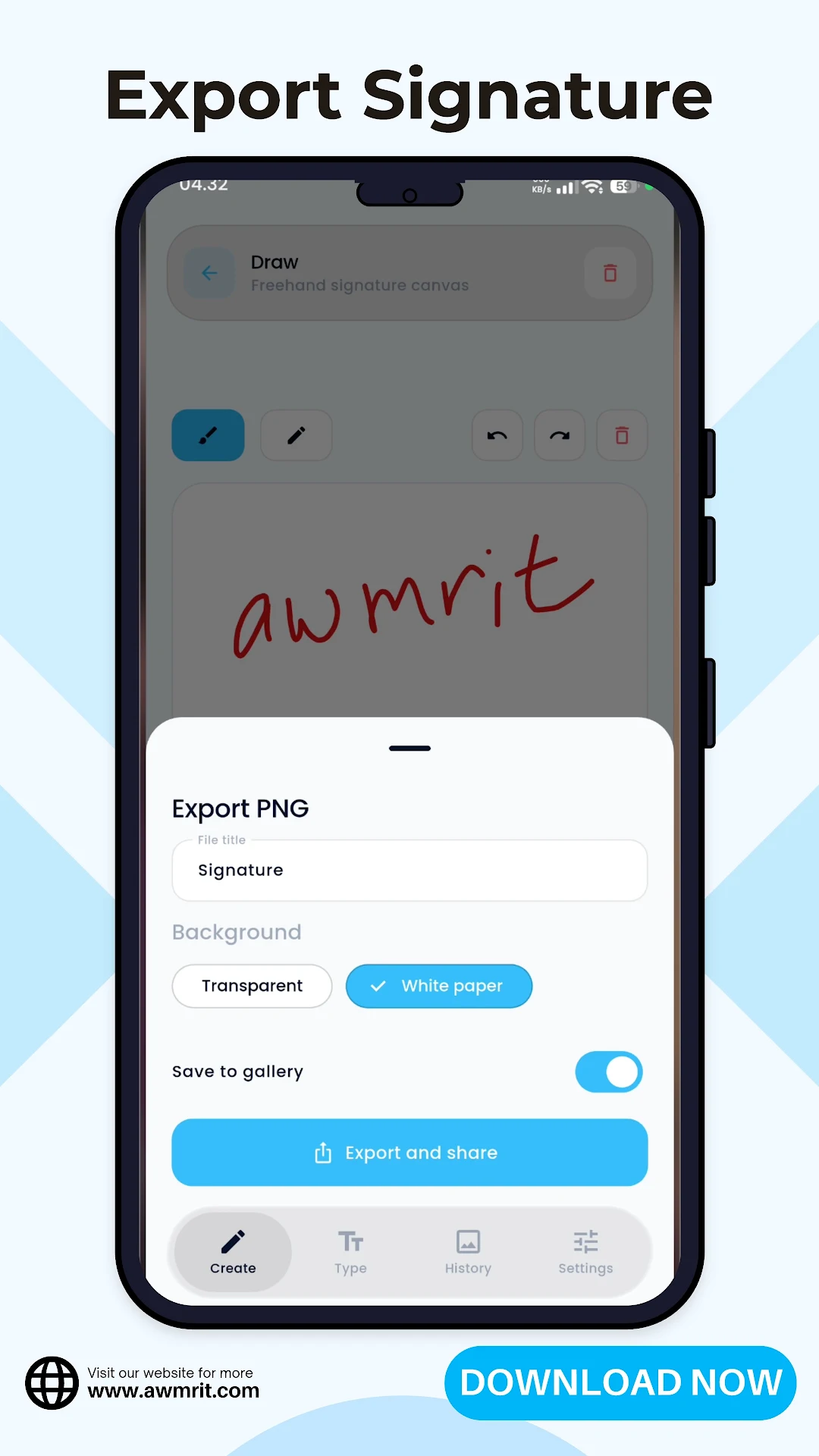
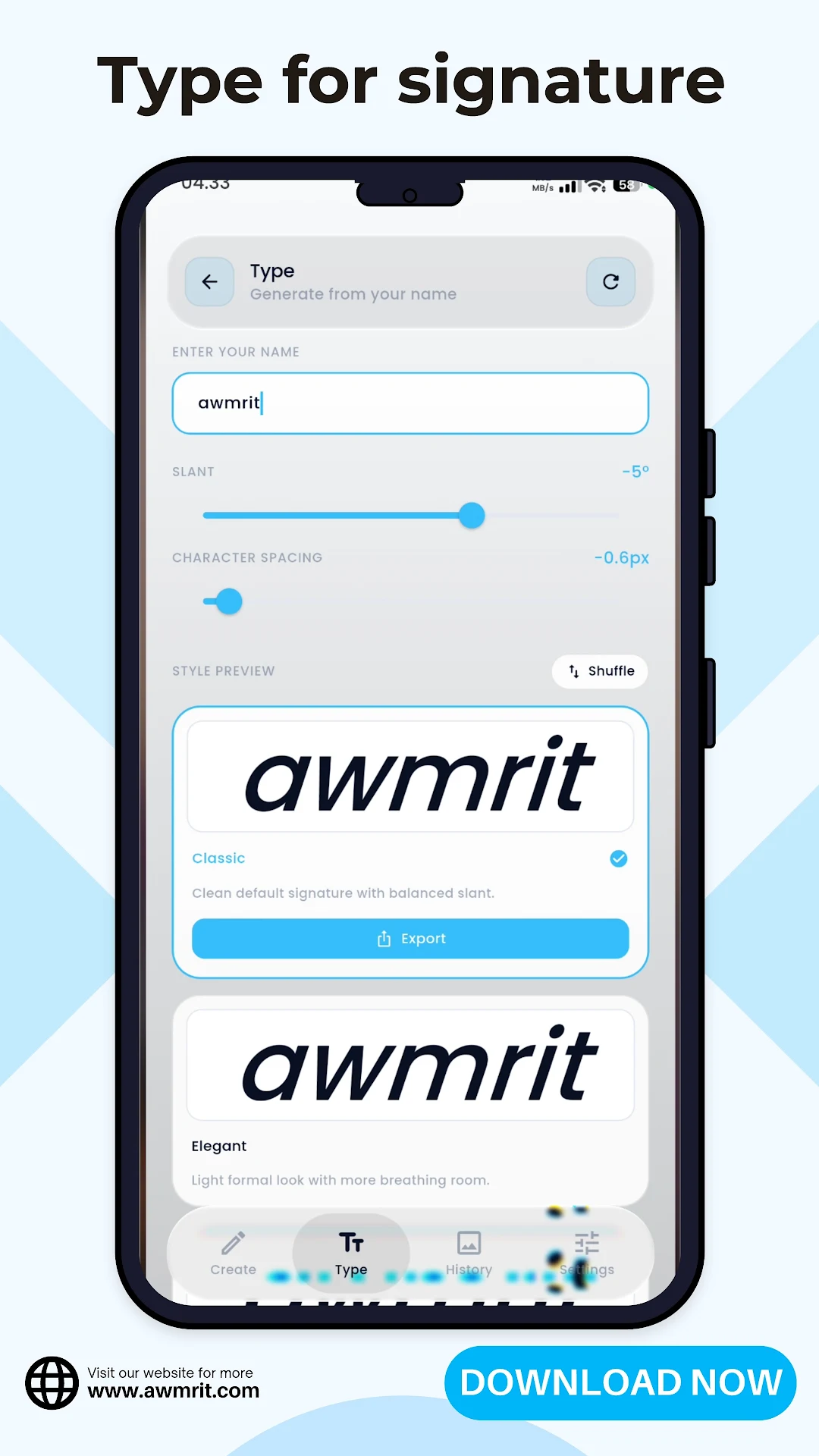
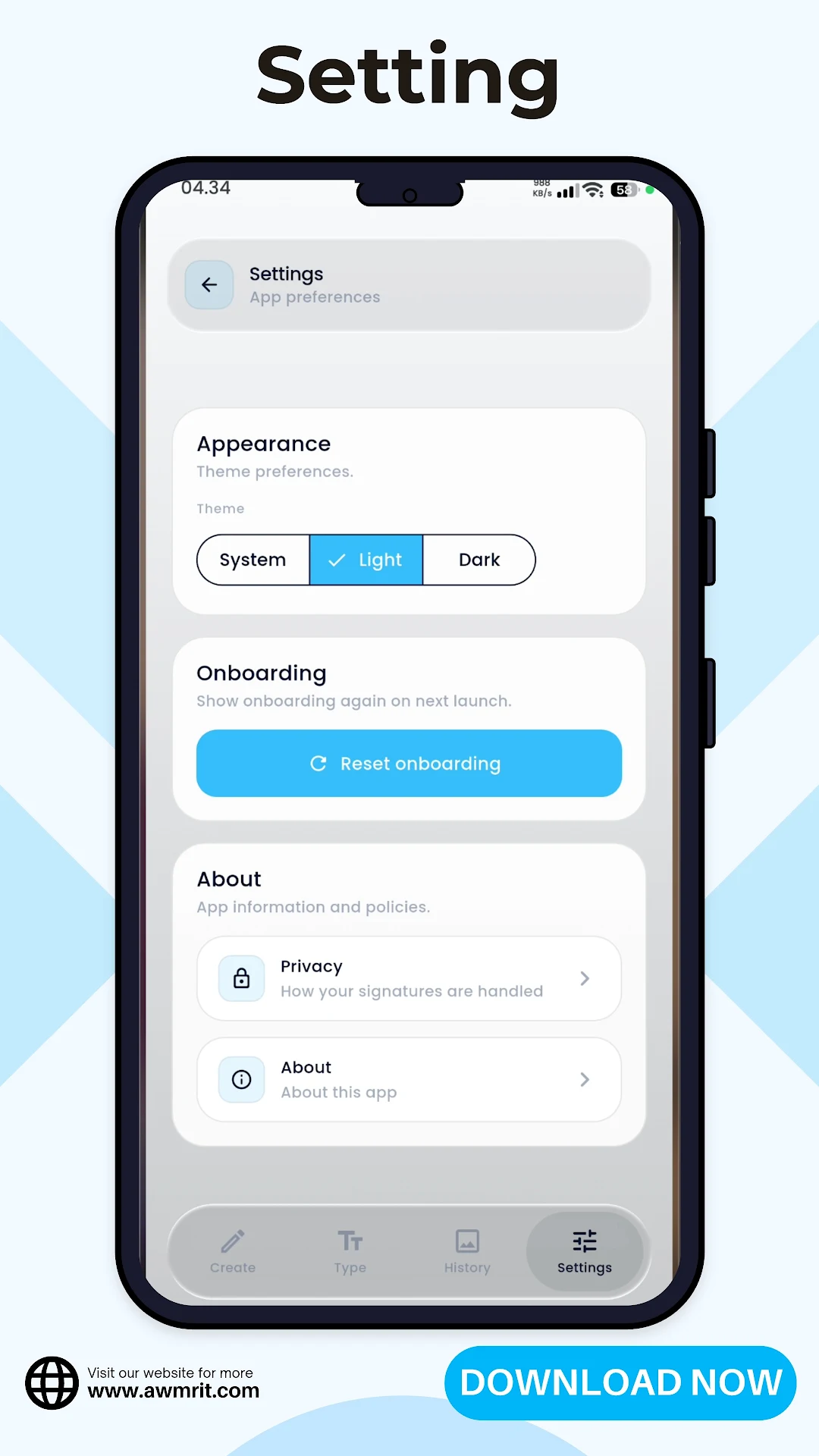
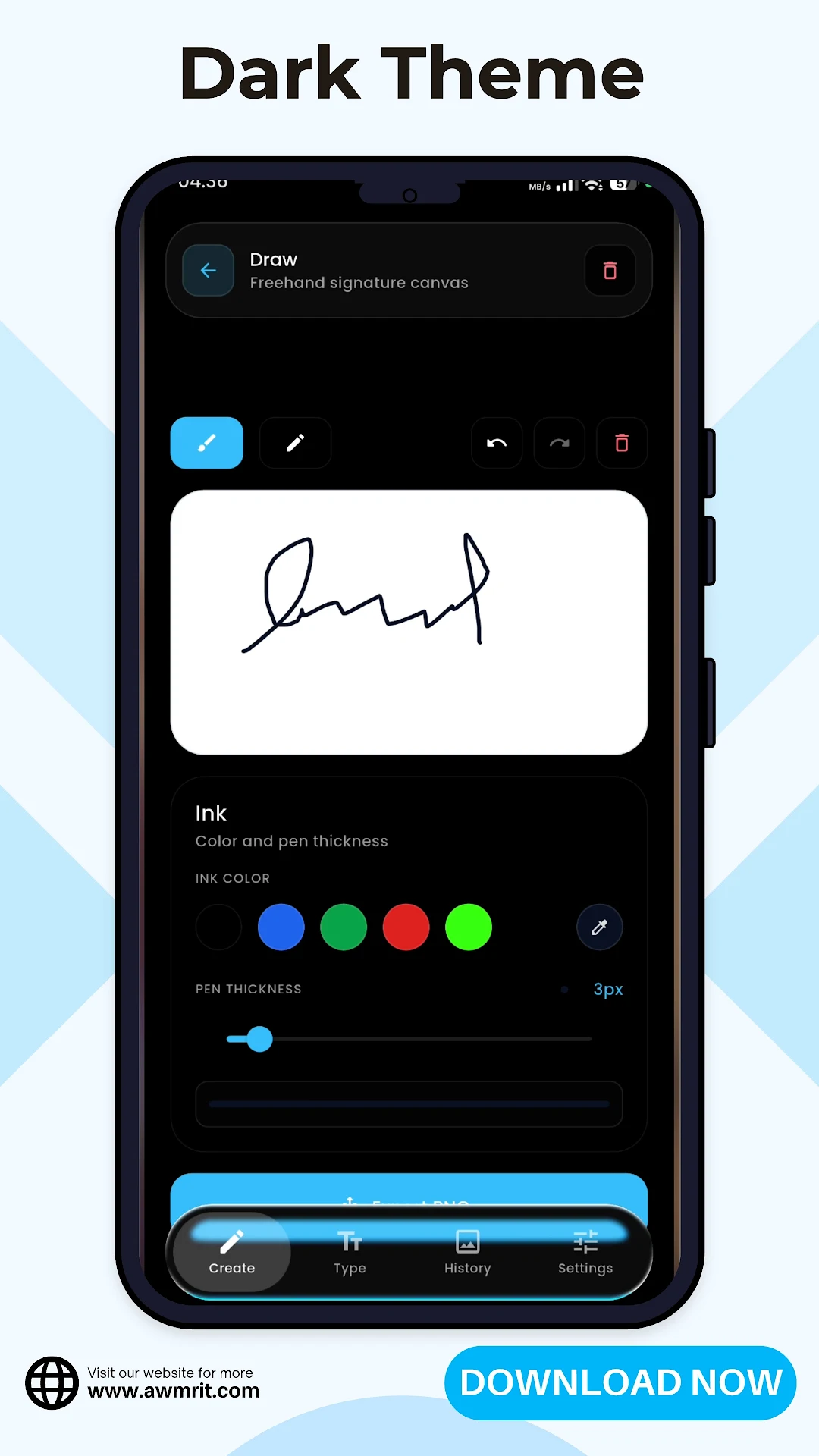
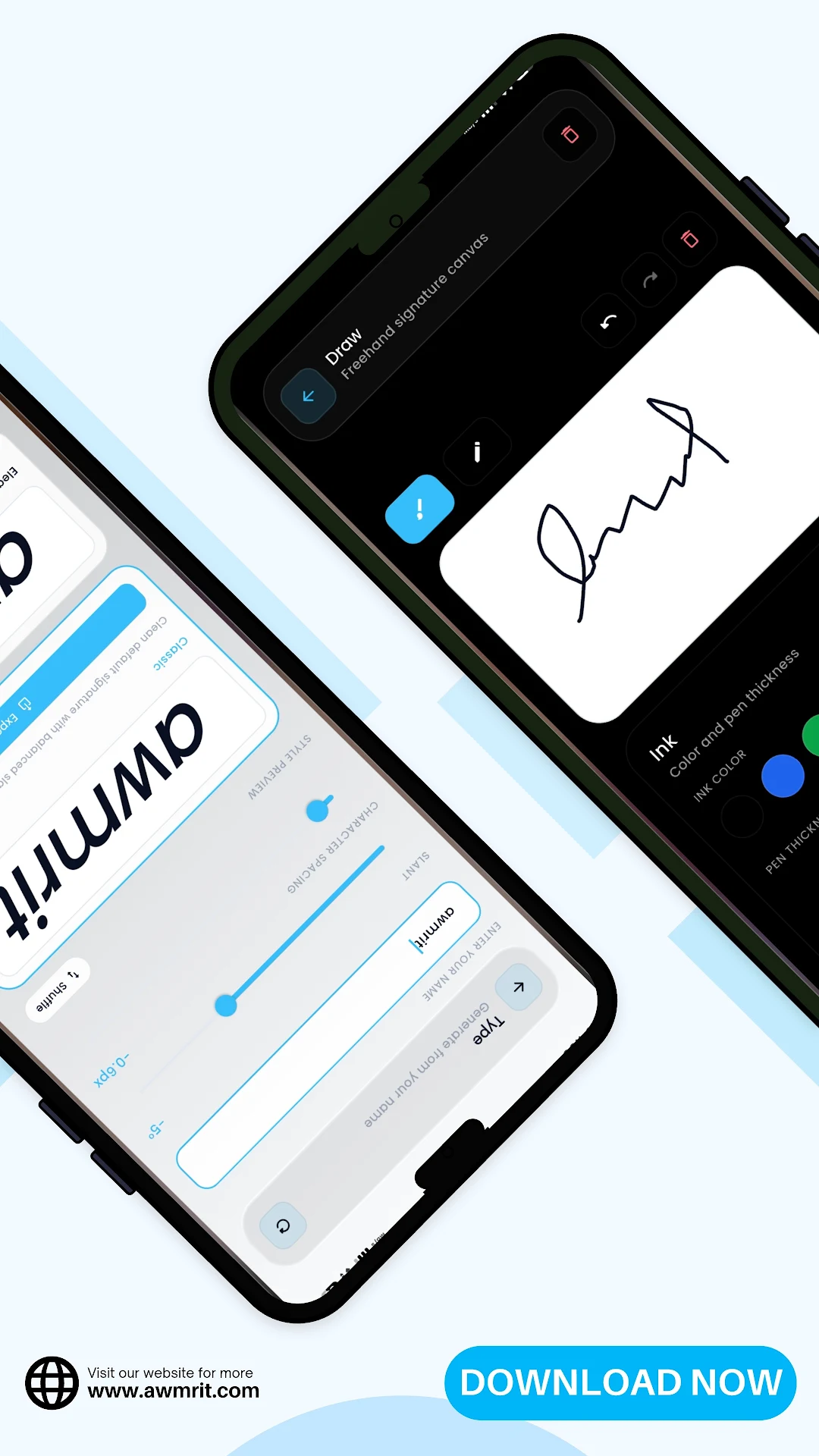
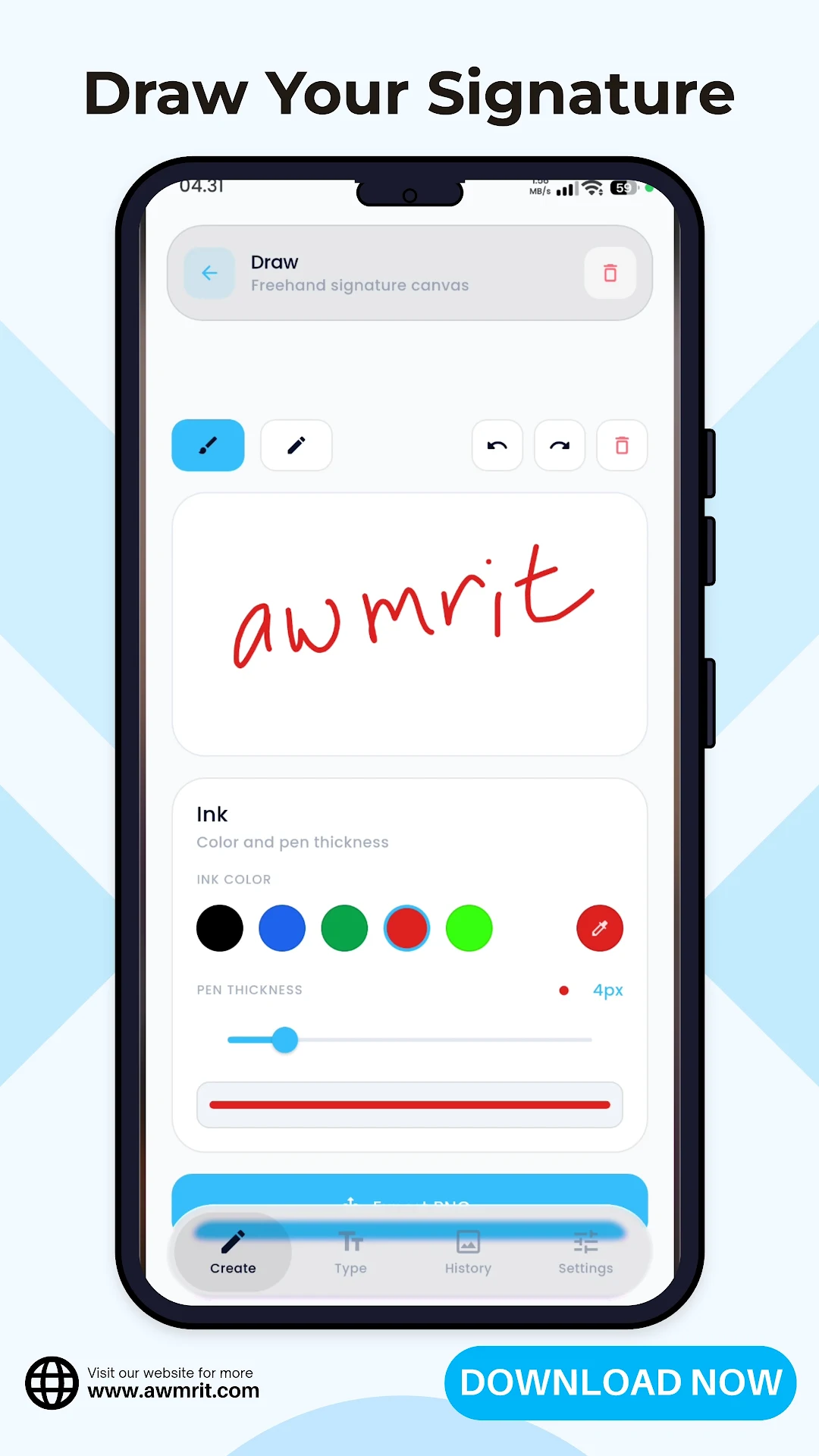
How Signature Maker Works
-
What the app is for
Signature Maker - Draw & Type is aimed at users who need a quick way to create a digital signature on their phone for documents, forms, or sharing.
-
Where it fits in the catalog
The release sits in the productivity side of the Awmrit catalog, alongside other practical mobile document and file utilities.
-
Support and privacy
For help with the listing, general questions, or policy coverage, the shared contact and privacy pages on awmrit.com apply to this app as well.
Got questions?
FAQ
Is Signature Maker - Draw & Type free to download?
Yes. Signature Maker - Draw & Type is published free on Google Play. Install it from the official listing linked on this page.
Which Android versions are supported?
The app targets Android 5.0 and newer, so it runs on the large majority of phones and tablets currently in use.
Does the app collect personal information?
The app does not require an account and does not collect personal details such as your name, email, phone number, or precise location. Preferences stay on your device and are removed when you uninstall.
How do I get help or report a problem?
Use the contact page on awmrit.com or email info@awmrit.com. Support for every app in the catalog runs through the same route.
Where can I read the privacy policy?
The privacy policy covers awmrit.com and every published Awmrit application. You can read it on this page or on the dedicated privacy policy page.
More Apps from Awmrit